Let's take a moment to look at this code snippet below -
function sayHello() {
  console.log("Hello, nice to see you!");
}

sayHello(); // Hello, nice to see you!
sayHello`weird syntax`; // Hello, nice to see you!
At first, we might think the compiler would throw an error in the second function call. But, it logs the message correctly.
Let's see what's going on here.
Template literals
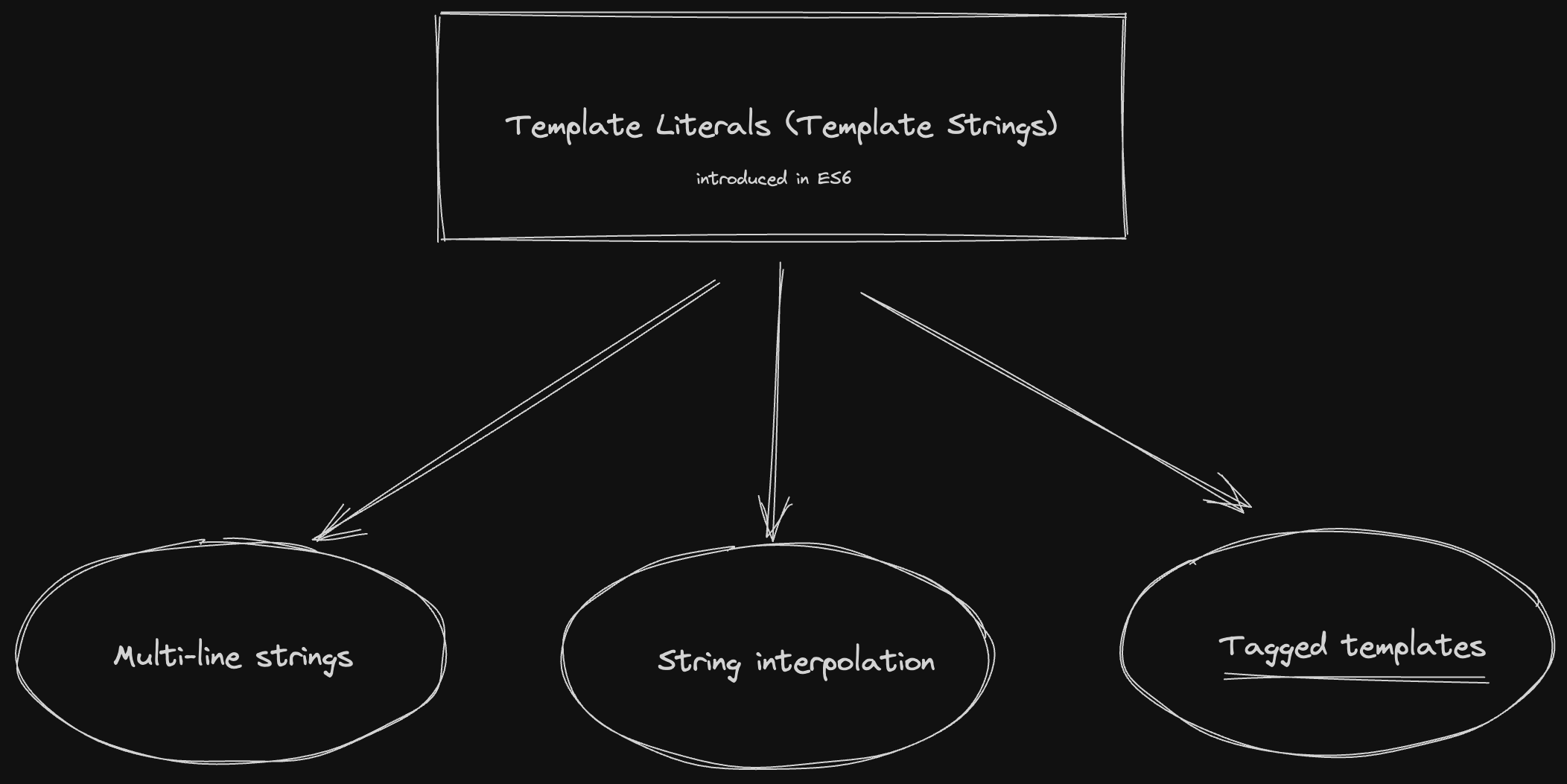
JavaScript is continuously evolving. The ES6 presented a feature called template literals or template strings which provide multiple features and constructs like multi-line strings, string interpolation, and the one which we are concerned about in this article - tagged templates.
Tagged templates
The tagged template construct allows you to pass a template string into a function and return a value. The function is known as a tag function and can be named as any other valid function.
A function becomes a tag function when it is called using `` instead of ()
For example -
function coolFunc() {
  console.log("I can be a tag function based on my invocation");
}

sayHello(); //coolFunc behaves as a normal function
sayHello``; //coolFunc behaves as a tag function
Tag functions get some cool arguments
The first argument to the tag function is an array of string values and the remaining arguments correspond to the expressions in the template string.
function tag(stringArr, exp) {
  /**
   * stringArr -> ["Repeat after me, ", " is cool"]
   * exp -> "JavaScript"
   */
  return `${exp}${stringArr[1]}, ${stringArr[0]}please!`;
}

let lang = "JavaScript";
tag`Repeat after me, ${lang} is cool`;
// returns 'JavaScript is cool, Repeat after me, please!'
By using a tag function, we have the power to manipulate the template string and it's expressions and return something cool!
Real world usecases
Have you seen this tagged template syntax anywhere?
I'm pretty sure you know it
Our very famous CSS-in-JS library, styled-components uses tagged templates to defined the styled components.
const Title = styled.h1`
  font-size: 1.5em;
  text-align: center;
  color: #bf4f74;
`;

render(<Title>Hello World!</Title>);
Shall we try creating a basic styled-components library?
Let's create a custom implementation of styled-components styled function.
The code below is a simple styled function that attaches the component styles into the style attributes of the element.
import React, { useRef, useEffect } from "react";

export default function styled(Tag) {
  return function (style) {
    return function (props) {
      const $ref = useRef();

      useEffect(() => {
        $ref.current.style = style[0].replaceAll("\n", "");
      }, []);

      return (
        <Tag ref={$ref} {...props}>
          {props.children}
        </Tag>
      );
    };
  };
}
Usage
import React from "react";
import styled from "./styled";

export default function App() {
  const Button = styled("button")`
    padding: 10px 20px;
    background: lightpink;
    border: none;
    cursor: pointer;
  `;

  return (
    <div>
      <Button onClick={()=> alert("Bare minimum styled-components")}>Hello</Button>
    </div>
  );
}
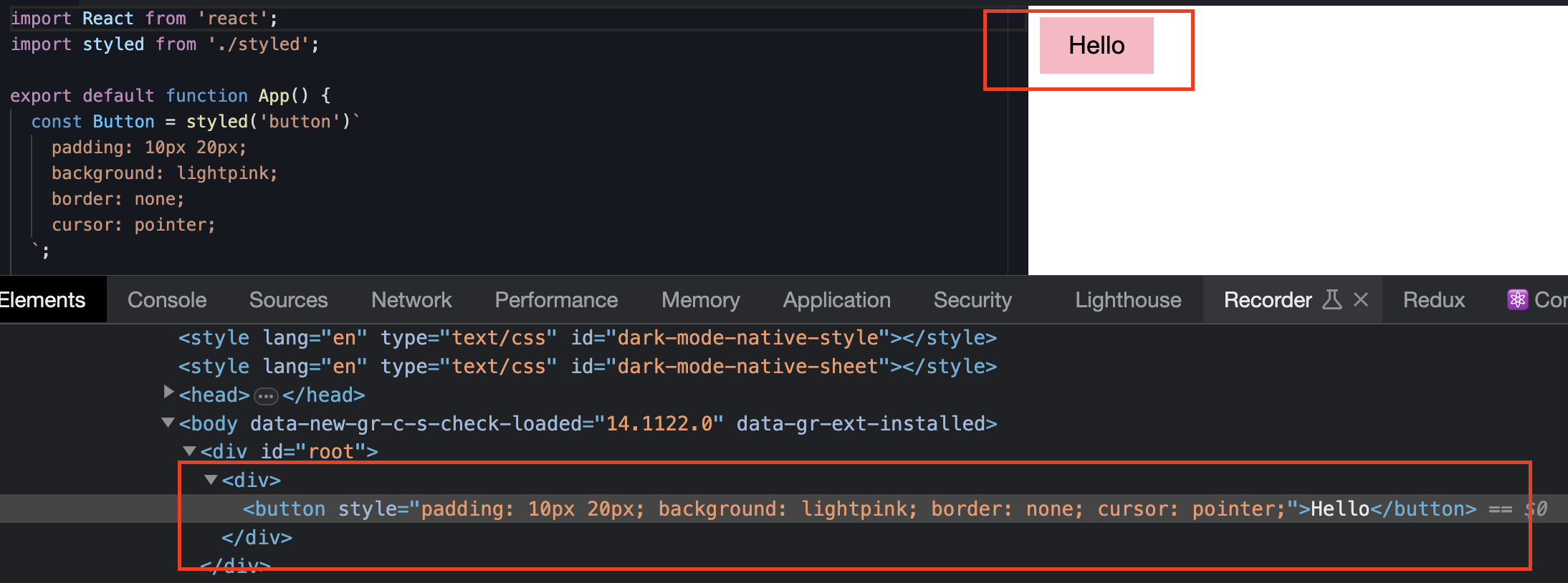
If we run this code and inspect the button, we can see our styles getting applied via the style attribute.
So next time that CSS-in-JS syntax looks weird, you’ll know exactly where it comes from.